



Stay informed with news, updates, and best practices on the ParentSquare blog.
Explore
Core Platform

Solutions for every role in your school community
Built for every type of school and district
See how we solve real challenges facing schools
Insights and ideas that add value to districts
A centralized hub for expert help and guidance



While you might be familiar with using ParentSquare for district, school, or even classroom communication, having a unified platform means being able to support communication for all of your extracurriculars, too—including athletics programs.
In this blog, we’ll go over how to use ParentSquare for all of your athletics-related communication, from sending day-to-day team updates to driving fan attendance for big games.
Consolidating communication can benefit athletic directors, coaches, and student families alike. Here’s a breakdown of how different roles can use ParentSquare to stay organized and connected.
For superintendents, PIOs, and CTOs, ParentSquare can bring all the communications for your sports teams into the platform you’re already using for your schools and district.
With centralized oversight, you can make records requests and improve accountability across all of your athletics teams, even if coaches aren’t in your student information system (SIS).
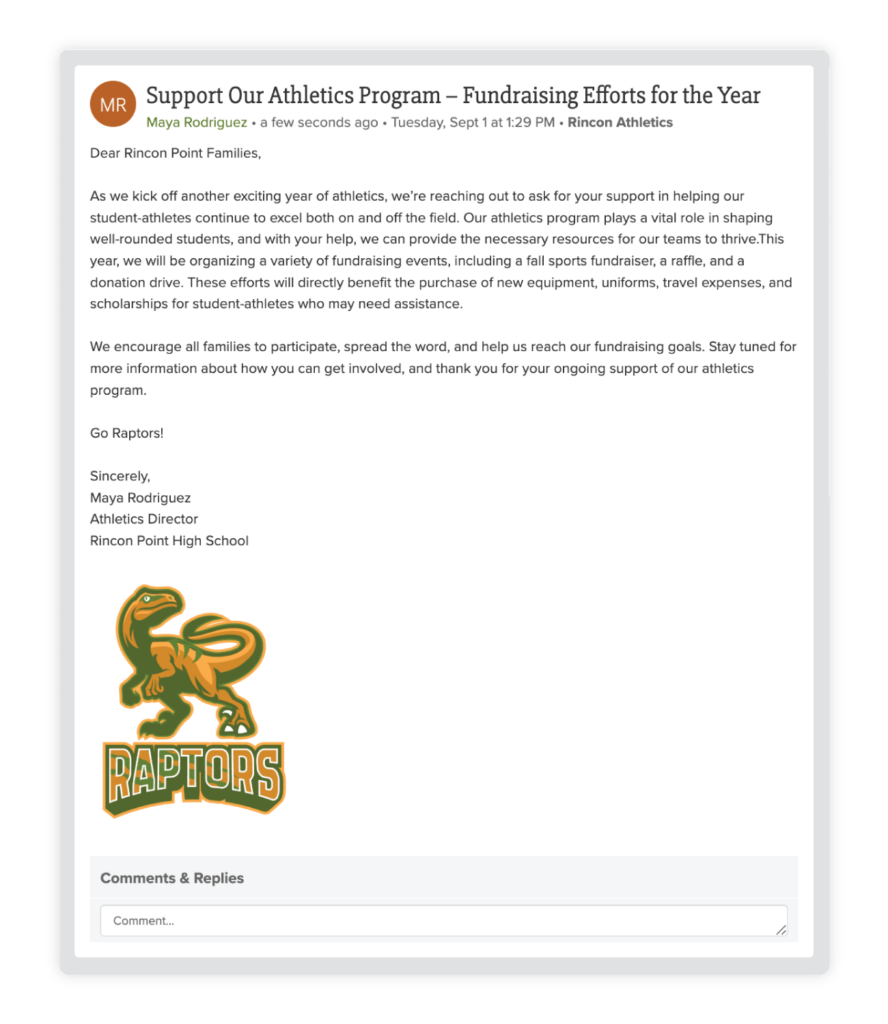
Athletic directors and administrative assistants overseeing multiple teams can use ParentSquare to help organize communications across the entire department.
Along with setting up groups for individual teams, you can share department-wide updates with all teams, send targeted notifications to specific recipients, and start conversations with specific coaches.
Coaches can use ParentSquare to manage all of the day-to-day communication for their teams. From sharing timely updates with students and families to handling sign-ups, forms, and calendar functions, you can manage all of your team communications in a single place.
“From a privacy and security standpoint, ParentSquare protects our kids and our coaches because everything that’s communicated is backed up. As a district admin, I can access all of those communications across the entire platform.”
– Lou DeVincentis, Director of Communications, Orange City School District, OH
Here’s what coaches need to know about using ParentSquare to connect with your sports team—including tips and best practices shared with us by other coaches from districts all around the country.
Posts are the building blocks of team communication on ParentSquare. They’re a great way to share information with your entire team at once, from making announcements to handling logistics.
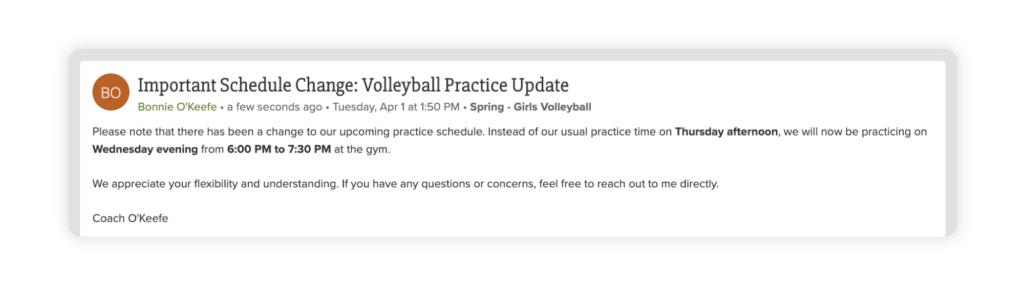
ParentSquare also includes optional post add-ons that you can use to manage logistics and parent participation, including calendar entries, RSVPs, volunteer sign-ups, and more. These are a great way to go paperless and increase engagement at the same time, since you’re bringing all of your team communication into a single channel.
Here are some of the benefits of using posts with your team:
Looking for more ways to use posts for team communication? We’ve got you covered.
Team announcements:
Scheduling and reminders:
Logistics and participation:
Media:
Along with sharing posts with the entire team, coaches can also use ParentSquare to message individuals or a small group. Messages are ideal for sharing sensitive or confidential information, or any communication that requires members to respond. They’re also all archived for accountability and oversight, so you can communicate with confidence.
Direct messages: Individual conversations
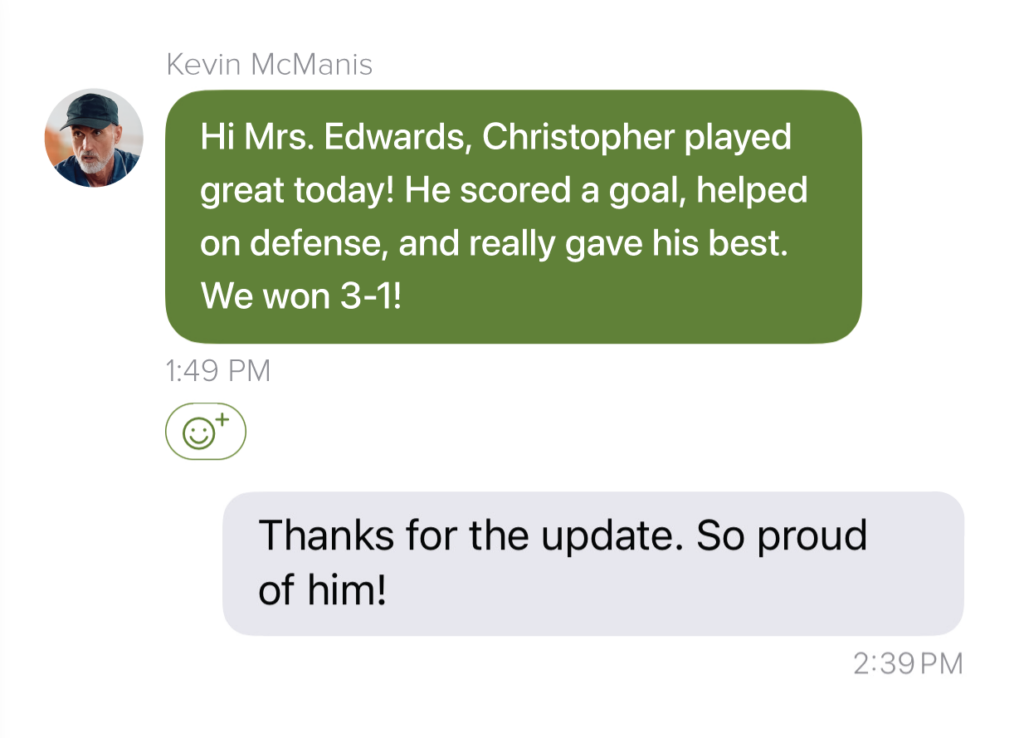
Send a direct message to start individual conversations with selected recipients, from just one person to your entire team. Think of direct messages as BCCing recipients on an email—when you send a direct message to multiple people, recipients can respond to you directly but won’t see other replies.
Use direct messages for:
Group conversations: Small-group discussions
Group conversations are the best way to manage team collaboration and discussions. Supporting up to 50 users, Group conversations are the equivalent of CCing multiple people on an email, so your recipients will see all replies (and be able to reply to each other).
Group conversations are great for:
“Communication is such a vital part of any successful football program—or any athletic program, for that matter. During the season, I use ParentSquare almost daily to post practice messages and updates for the kids or their families. I also use it to send direct messages to my athletes, whether it’s individual athletes or small groups of athletes by position or by class.”
– Rob Senor, Football Coach, Orange City Schools, OH
If you’d like to start using your ParentSquare plan for athletics, please don’t hesitate to reach out to your support contact. And if you don’t already use ParentSquare but would like to learn more, you can book a demo today.