
Stay informed with news, updates, and best practices on the ParentSquare blog.
Explore
Core Platform

Solutions for every role in your school community
Built for every type of school and district
See how we solve real challenges facing schools
Insights and ideas that add value to districts
A centralized hub for expert help and guidance

The new school year brings a long to-do list, from welcoming families and publishing updates to preparing websites, documents, and daily communications. Explore the latest ParentSquare innovations that help strengthen family engagement, simplify operations, and save staff time.
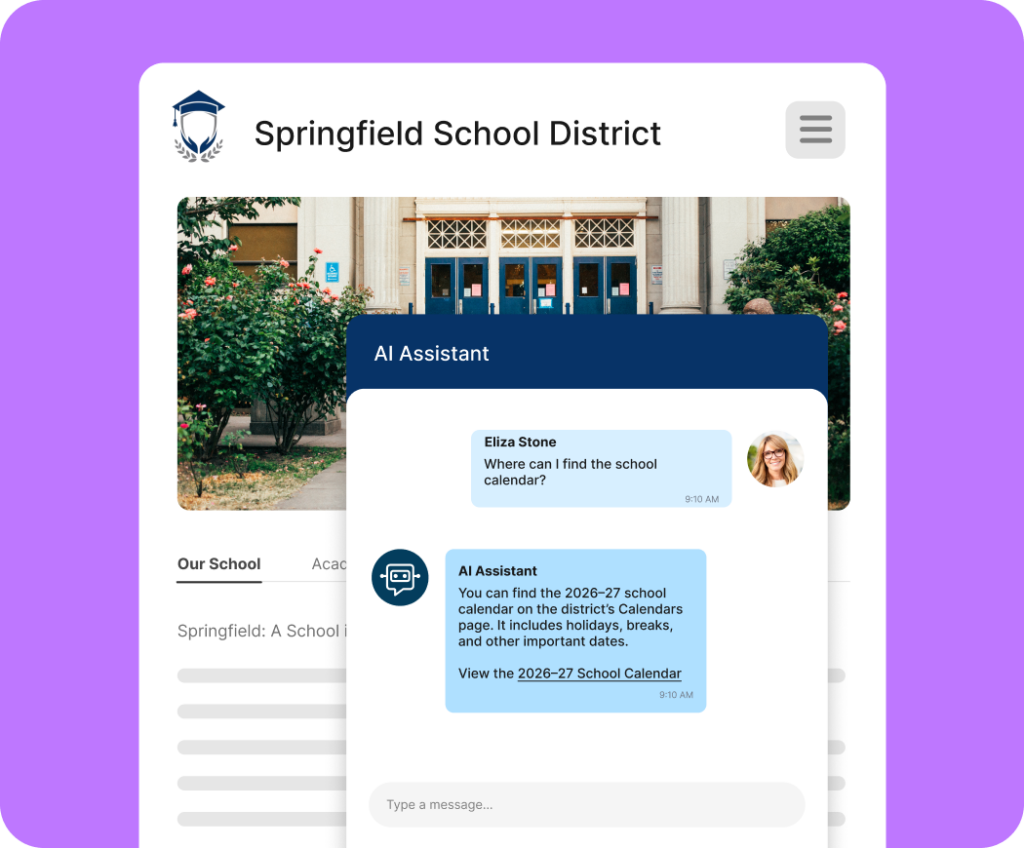
AI Assistant helps families find answers quickly on your website by reading content across your entire site, including PDFs and images, and translating answers into 190+ languages. Families get the information they need while your team gets fewer repetitive calls and emails.
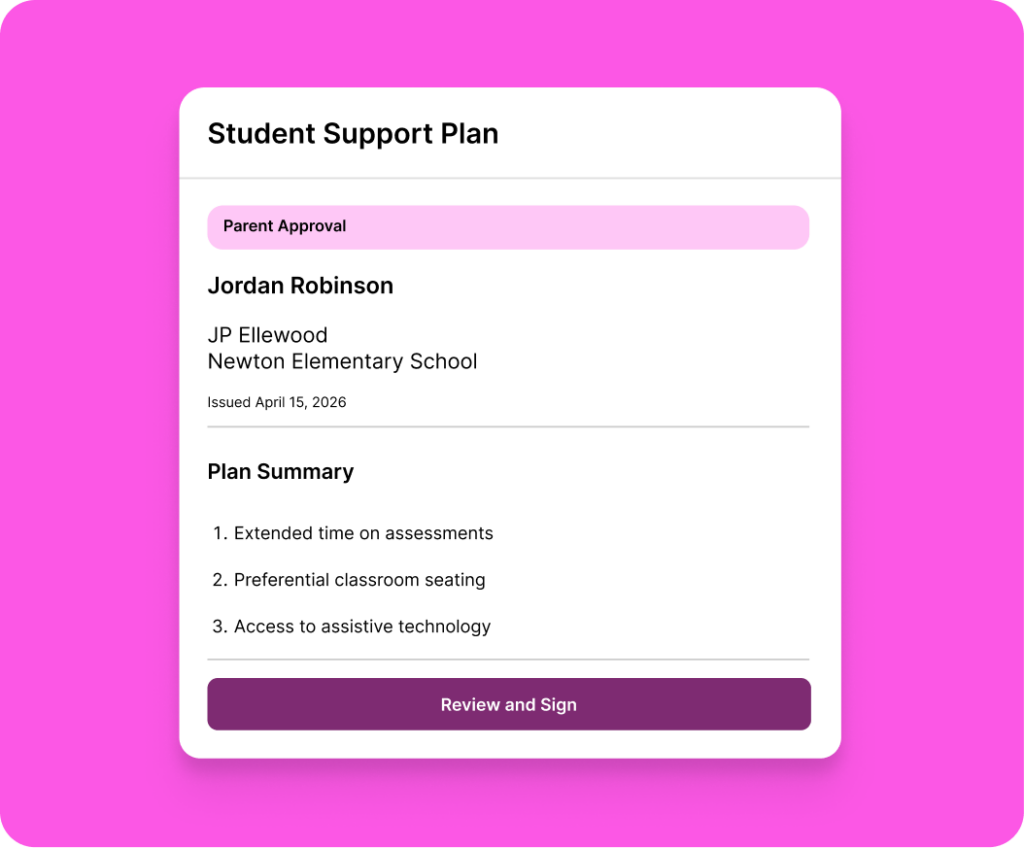
Electronic Signatures let schools collect signatures for important documents directly in Secure Document Delivery, eliminating printing, mailing, and manual follow-up. Families can review and sign documents from any device.
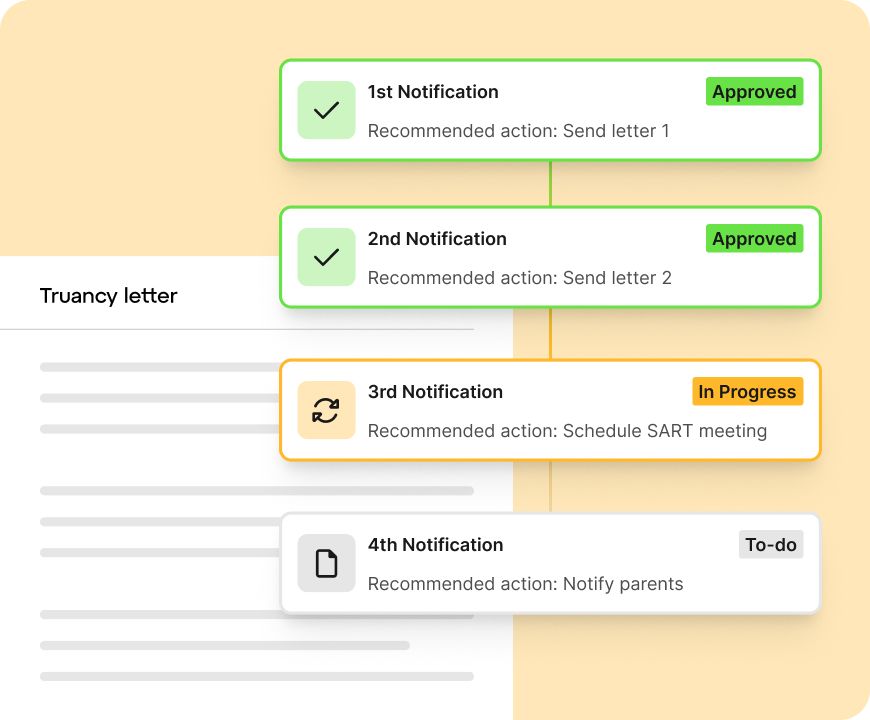
Teacher and family access, period attendance data, and automated workflows are new in Attendance Plus this year, expanding visibility into attendance patterns and reducing the manual steps required for outreach and intervention.
Fresh features. Smarter workflows. Better connections for school communities. Here’s a roundup of some of our favorite recent launches. For the full release list and how to get started, visit the Help Center →
Parent Absence Reporting gives families one clear place in ParentSquare to report student absences. Attendance staff can review submissions, approve or decline them in one click, and maintain a complete absence record without leaving the platform.
Conversation Starters automatically generate relevant questions from post content, helping parents turn school updates into meaningful at-home discussions. Staff can review, edit, or customize these questions before sending.
Connect your Canva Education account to browse and import existing designs directly into Studio Editor. Skip downloading and re-uploading files so you can create polished, engaging newsletters in less time.
StudentSquare enables parents to message students directly, with school-level controls that support your district’s cell phone policies.
Add images, titles, and captions to Smart Sites navigation menus to better guide visitors, reinforce branding, and showcase key content across your website.
With Contactability™ Benchmark, see how your district’s reach compares to similar-sized districts and get actionable guidance on what it takes to achieve 100% contactability.