
Stay informed with news, updates, and best practices on the ParentSquare blog.
Explore
Core Platform

Solutions for every role in your school community
Built for every type of school and district
See how we solve real challenges facing schools
Insights and ideas that add value to districts
A centralized hub for expert help and guidance

From quick messages to signups and scheduling, ParentSquare gives teachers one place to communicate, coordinate, and engage families with two-way communication.


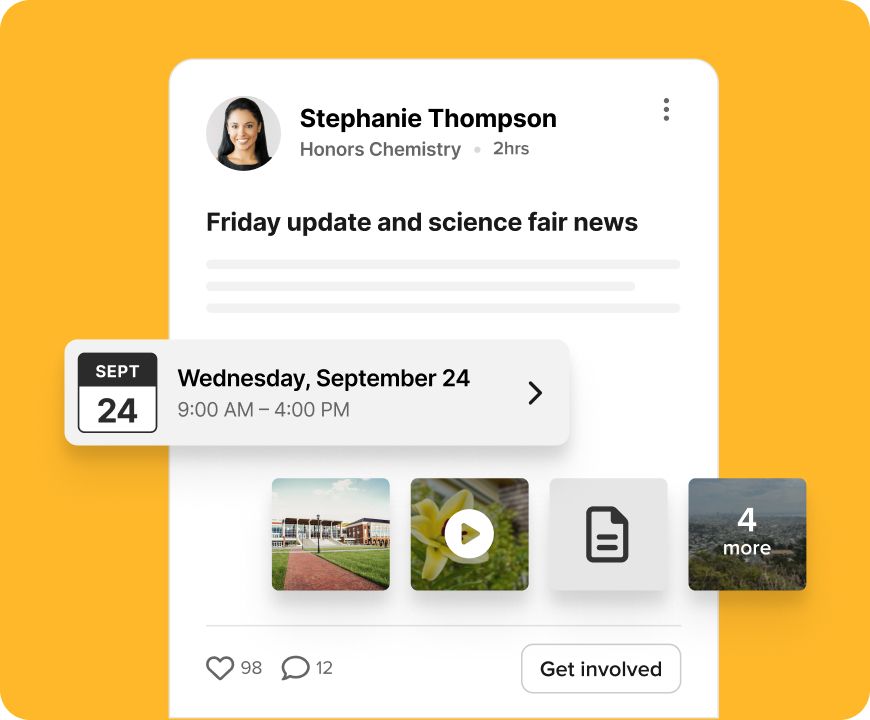
ParentSquare helps teachers do more than send messages. From classroom updates to conference scheduling, volunteer signups, permission slips, and payments, everything is managed in one place.
Whether communicating to a group, classroom, or 1:1, ParentSquare makes it easier than ever to get in touch in one place. Best of all, our multi-channel platform means people can communicate two-way in any language via text, email, app, or web—whatever their preference.
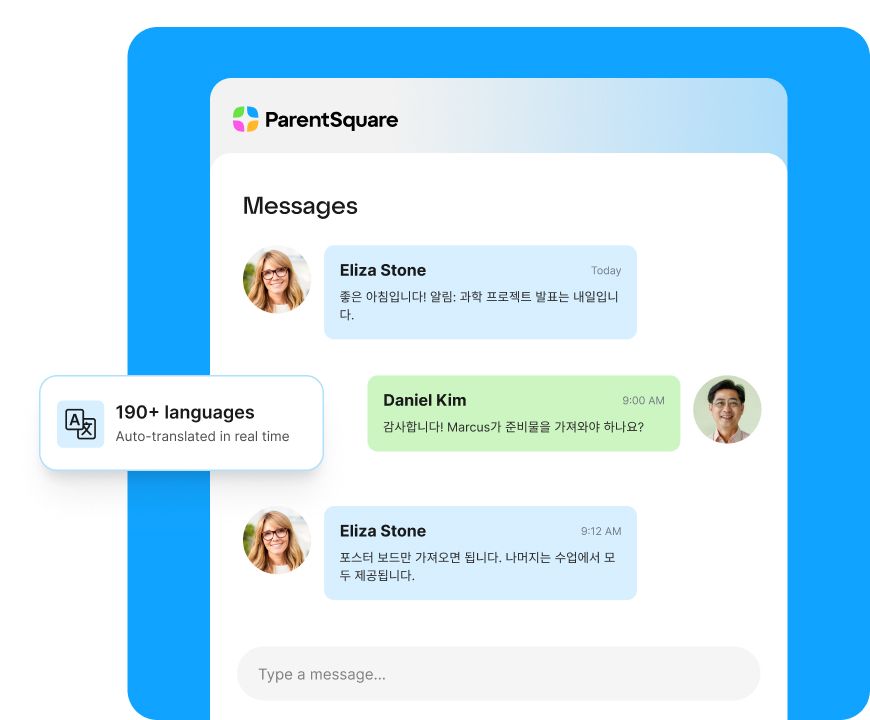
Send messages and have real conversations with families.
Automatically translate messages in 190+ languages so every family can engage.
Volunteering made easy and simple signups for parent-teacher conferences.
The one-stop shop for schools and families in your school community, with easy-to-update permissions.
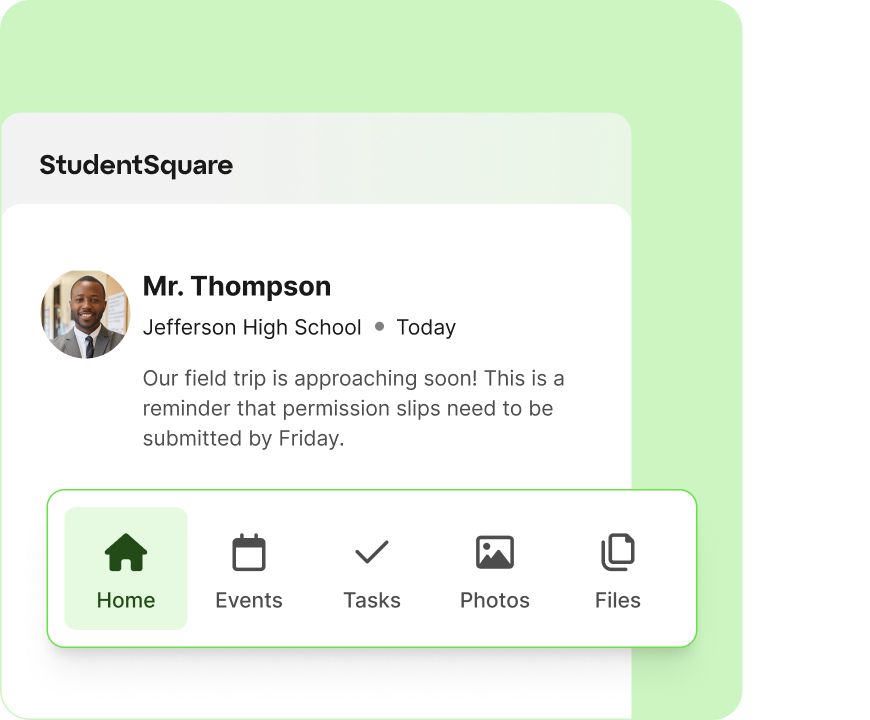
StudentSquare gives students one place for all school activities. Messages, class updates, and club and sports communications all live in one place—with messaging safeguards, parent visibility, and full school oversight built right in.
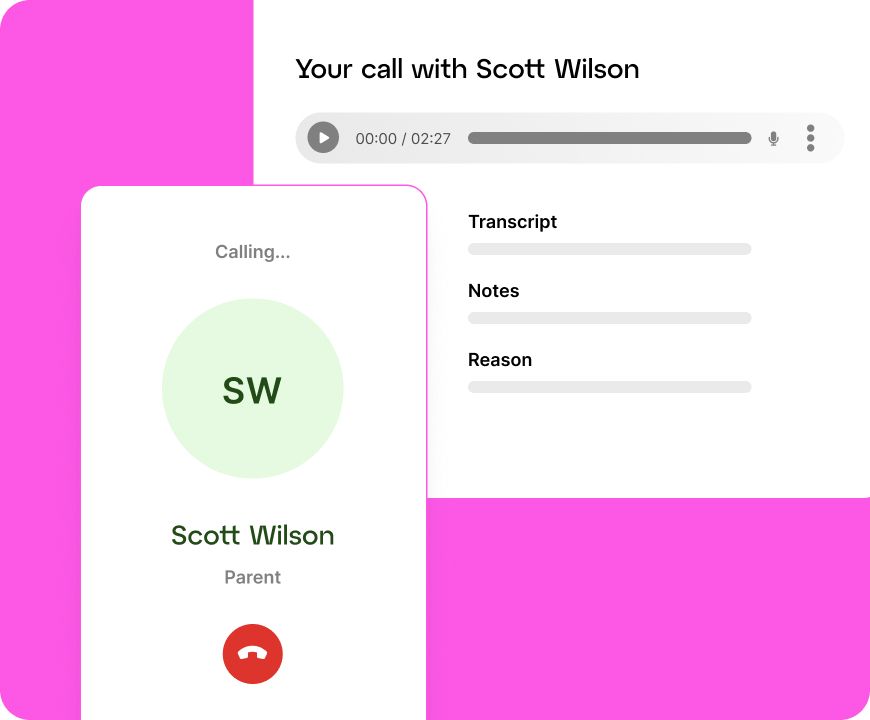
With Virtual Phone, call families directly while meeting K-12 requirements. Every interaction can be logged, categorized, and transcribed, without sharing personal contact numbers.
Support consistent, meaningful engagement between teachers and families with tools designed for ongoing communication.
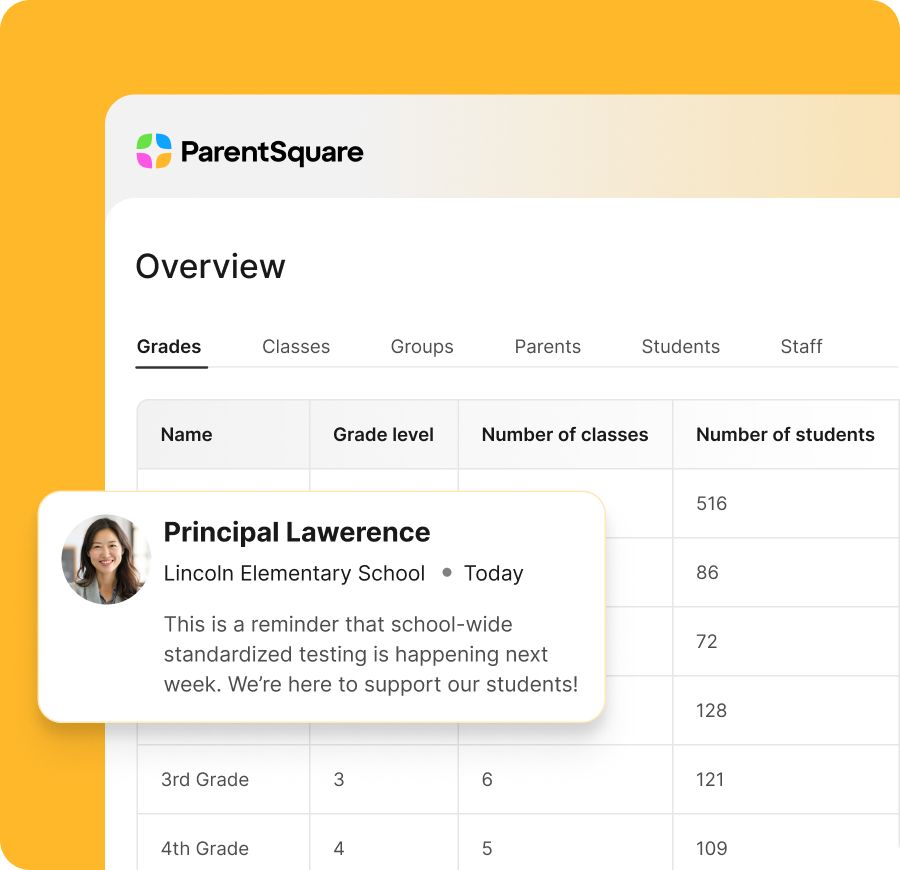
Make it easy to share updates, start conversations, and invite participation so families can share in day-to-day learning and be an important part of student success.
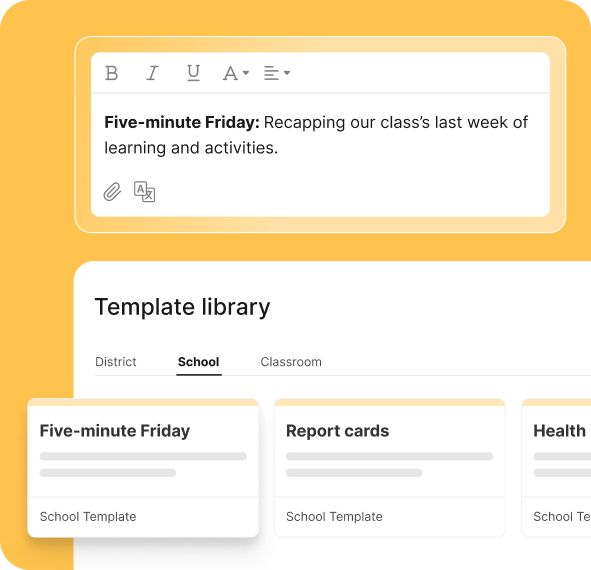
Manage communication, scheduling, and coordination in one place to reduce back-and-forth and replace multiple tools with a single platform for families and teachers.
ParentSquare has been a great way to stay connected with families and share what’s happening in our classroom. It makes communication simple, consistent, and meaningful for everyone.
“I’ve been using ParentSquare, and it’s been a gamechanger for my interactions with my kids and parents at school! It’s like having a social media platform dedicated just to school stuff. I love waking up and checking which parents have read my posts. The app’s features make it incredibly easy to communicate with everyone. It’s practical and efficient!”
Our unified communication platform is designed to serve the needs of modern school districts.
Everyone who uses ParentSquare needs something a little different. Our system works for everyone so schools and families can take on the challenges facing K-12 education—together.
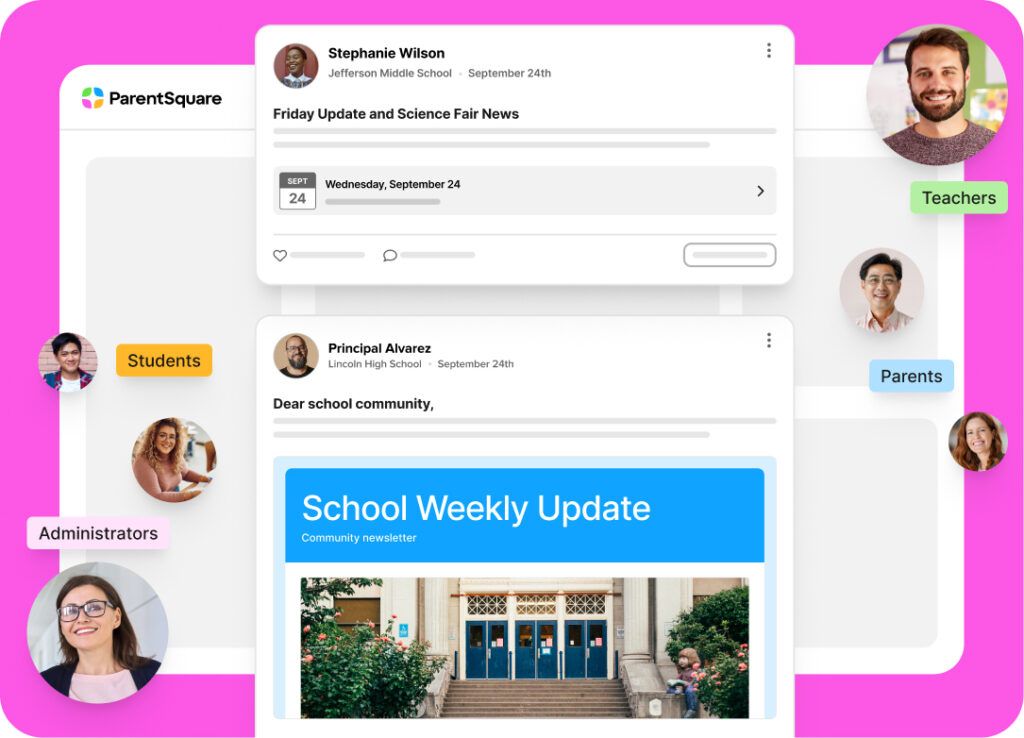
Strong communication and engagement means a stronger school district. No matter your focus or priorities, see what you can expect from ParentSquare.

Classroom communication software allows teachers and staff to connect directly with students and families through messages, announcements, and updates—all in one platform. It replaces scattered tools like email, apps, and paper flyers with a single, streamlined experience.
Teachers can send one-to-one messages for private conversations or group messages for entire classes, small groups, or activities. Messages can be sent via app, email, SMS, or voice—so families can receive them in their preferred way.
Yes. ParentSquare enables true two-way communication, allowing families to reply to messages via text message, email, or the app—whatever is most convenient. Messages are automatically translated into 190+ languages in real time, making it easy for every family to participate in the conversation. In many cases, families can reply directly from their notification without needing to log in.
ParentSquare automatically delivers messages via multiple channels—app, email, text, and voice—based on each family’s preferences. This provides consistent reach, even for families who may not regularly check email or apps.
Yes. Messages are automatically translated into families’ preferred languages, supporting 190+ languages so that every family can receive and understand school communications, without extra effort from staff.
Unlike traditional email or texting, ParentSquare keeps all communication organized in one place, tied to student data and classroom groups. Messages and posts are easy to find later, so nothing gets lost. It also provides visibility, accountability, and delivery tracking that standalone tools lack.
Yes. Teachers can include files, images, links, and other resources in their messages, making it easy to share assignments, reminders, and classroom updates in context.
Features like templates, scheduled messages, auto-translation, and AI-powered writing tools help teachers communicate faster and more effectively, without adding extra work to their day.
Yes. ParentSquare is designed for school use, and messaging is tied to verified parent and student records. Districts maintain control and visibility to align communication with school policies. For more details on security, privacy, and compliance, visit our Trust Center.
Administrators have visibility into communication activity without being intrusive, helping maintain consistency, support staff, and uphold high communication standards across the district.
Yes. ParentSquare includes AI-powered message moderation that can detect and block inappropriate content in real time, based on context. This helps prevent harmful messages from being sent while maintaining safe, appropriate communication across the platform.
Administrators also have access to a log of blocked messages for review, reducing the burden on staff while supporting a positive and professional communication environment.
We meet families in the channels they actually prefer, like text, app, and real-time messaging, and let them choose how they want to connect. Parents have one place to go, and schools have one engagement platform to use.

Power meaningful communication to engage families, schools, and communities.

Improve attendance with personalized communication, automated at scale.

Keep classroom-level communication simple and consistent.

Reach the right people quickly with district-controlled alerts and updates in one system.

Deliver accessible school websites that reflect your district and keep families informed.

AI and data intelligence to reduce workload, mitigate risk, and surface insights.