



Stay informed with news, updates, and best practices on the ParentSquare blog.
Explore
Core Platform

Solutions for every role in your school community
Built for every type of school and district
See how we solve real challenges facing schools
Insights and ideas that add value to districts
A centralized hub for expert help and guidance


A new communication platform only works if families know about it. The districts that get the fastest traction with ParentSquare treat their rollout like a campaign: they build anticipation, celebrate the switch, and make the news impossible to miss. Some of their ideas are practical, some are delightfully over the top, and all of them are worth borrowing.
Here are nine of our favorites from real districts across the country.
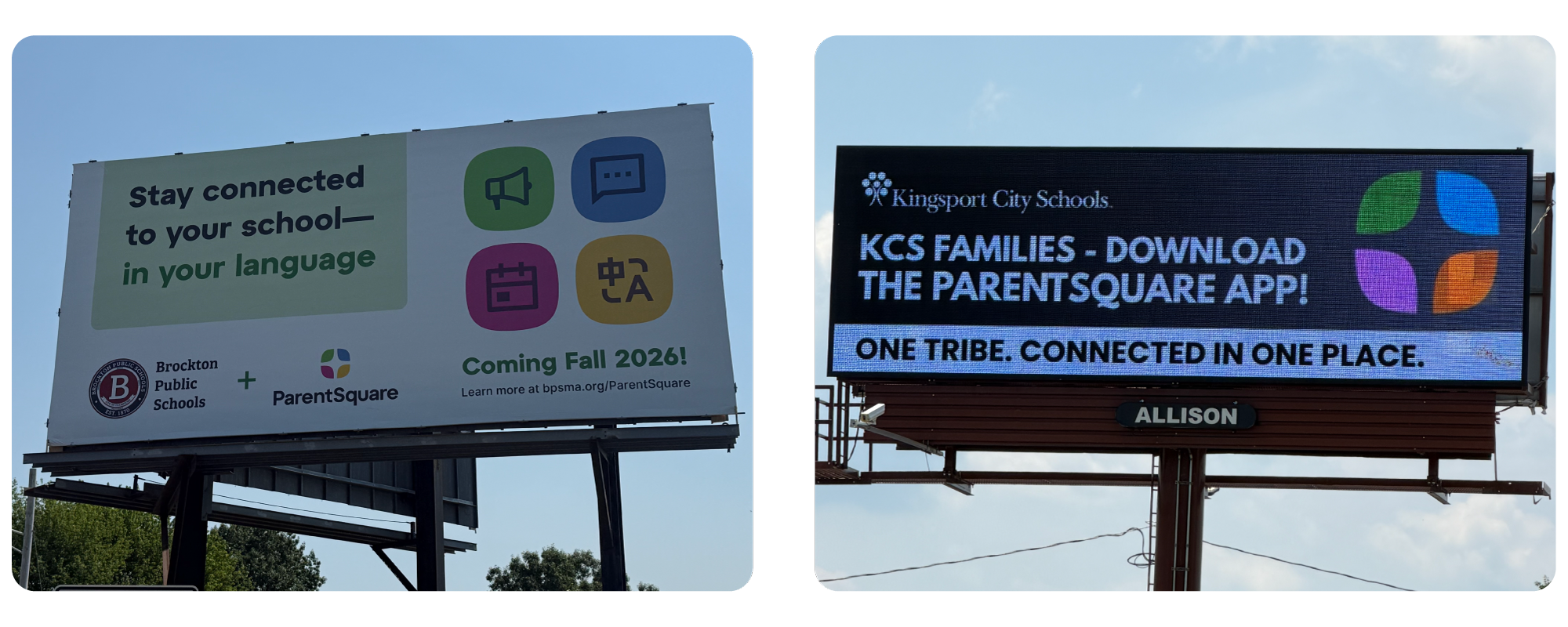
Brockton Public Schools in Massachusetts announced their ParentSquare launch with a billboard across from the high school, so families saw the news on their commute before the first message ever went out.
Kingsport City Schools in Tennessee went digital and asked for one specific action: download the ParentSquare app. One announced the change, the other asked for an action. Digital boards also let you swap the message as your rollout moves along.
Both districts put the news outdoors, where families see it without opening anything. Marquees, digital signs outside schools, and banners at athletic fields do the same job at whatever size fits your budget.
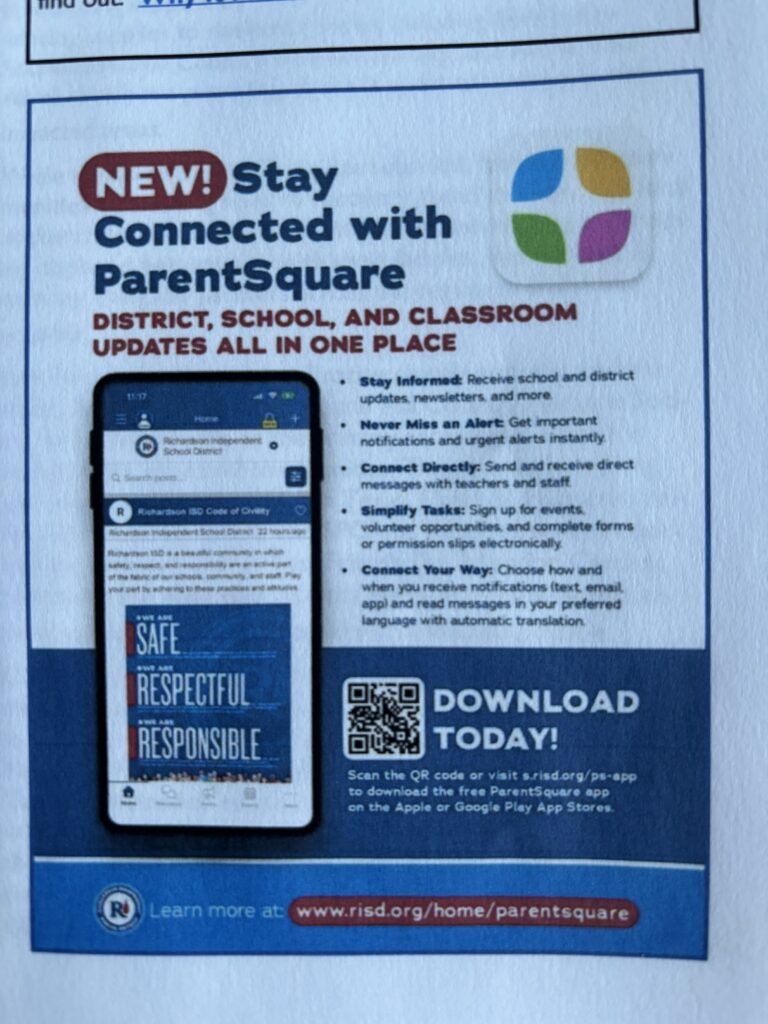
Richardson ISD in Texas ran a full-page ad in a neighborhood newsletter, built around a screenshot of their own ParentSquare feed instead of a generic mockup, so families could see exactly what they were getting. The ad listed the benefits in plain language and gave two ways to act, a QR code to scan and a short link to type. A neighborhood publication reaches current families along with the grandparents, neighbors, and future families who make up the rest of your community.
Barrow County Schools in Georgia introduced families to ParentSquare with a short, funny video starring their own staff. One of the district’s points of contact played the lead and another produced it. The result feels personal in a way a stock video never could, and families shared it because it made them smile.
La Joya ISD in Texas spent months building anticipation on Facebook and X, then capped the campaign with a launch-day video from their superintendent. The message thanked staff, families, and students, and connected the new platform to the district’s larger goals.
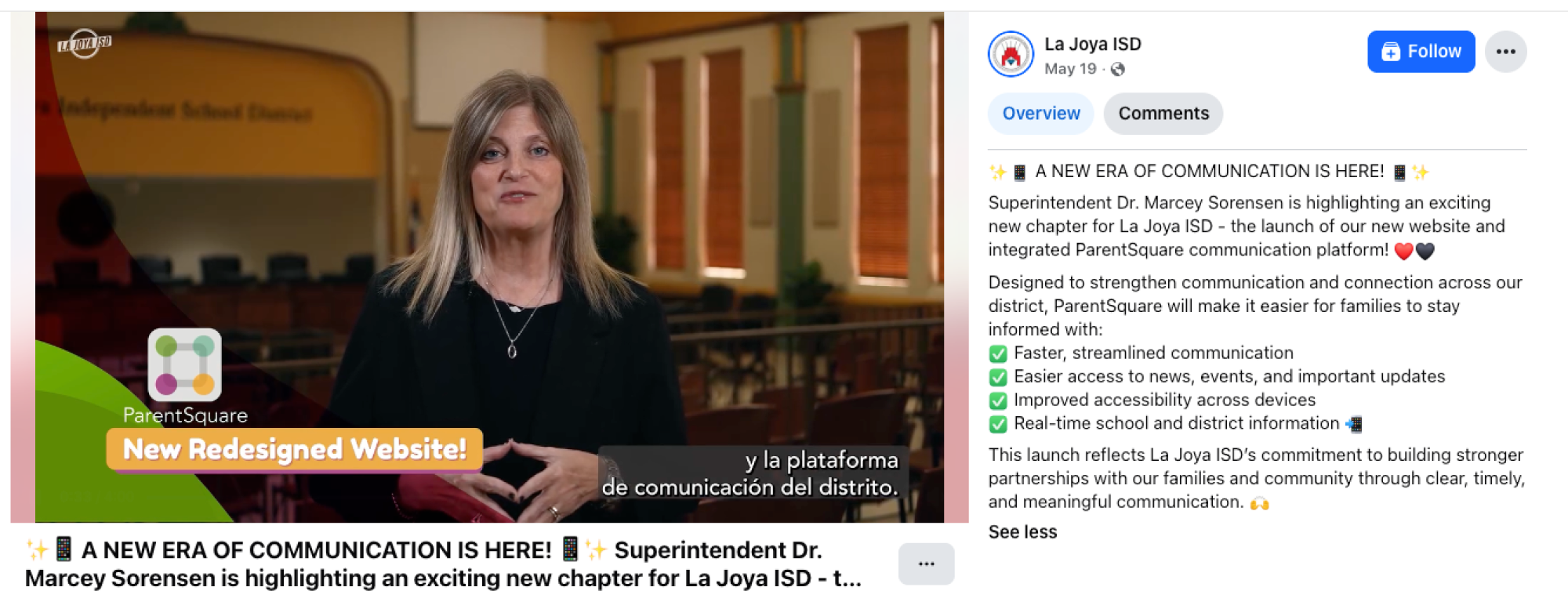
Superintendents at two other districts made the announcement themselves as well: Dr. Mark Shanoff at Osceola County School District in Florida and Andrew O’Leary at New Bedford Public Schools in Massachusetts.
Hearing it from the top tells families the change shift to ParentSquare matters enough for the superintendent to explain it personally.
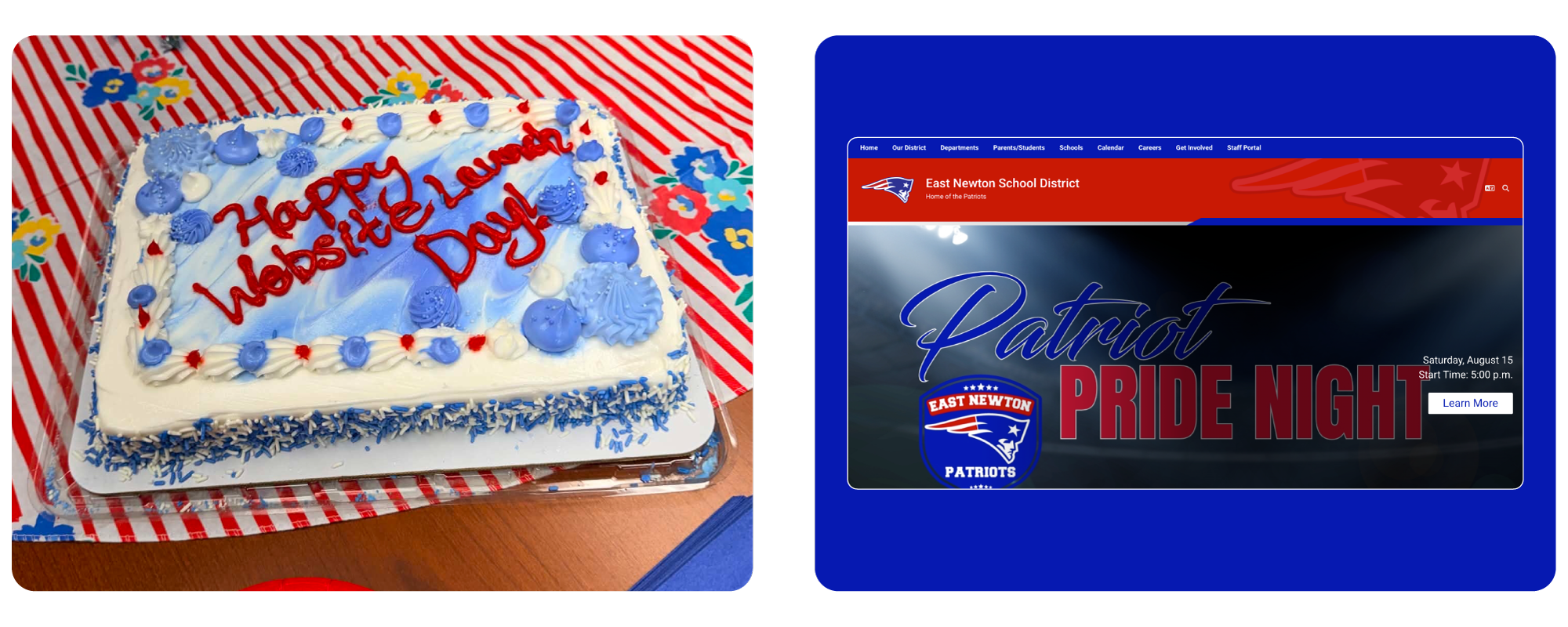
Decorations, treats, and a full staff party marked website launch day at Missouri’s East Newton School District. Launch day is a milestone worth marking. A little celebration turns staff into enthusiastic messengers, and their excitement carries into every classroom and conversation with families.
Yard signs work for elections and open houses, and they work for ParentSquare launches too. Signs outside schools, at pick-up lines, and in staff members’ yards keep the message in front of families for weeks. The ParentSquare Launch Kit includes customizable Canva templates for yard signs and posters, so your team can add the district logo and go.
Florida’s Charlotte County Public Schools took it a step further and outfitted students in ParentSquare t-shirts on launch day, turning it into a walking announcement families could not miss.
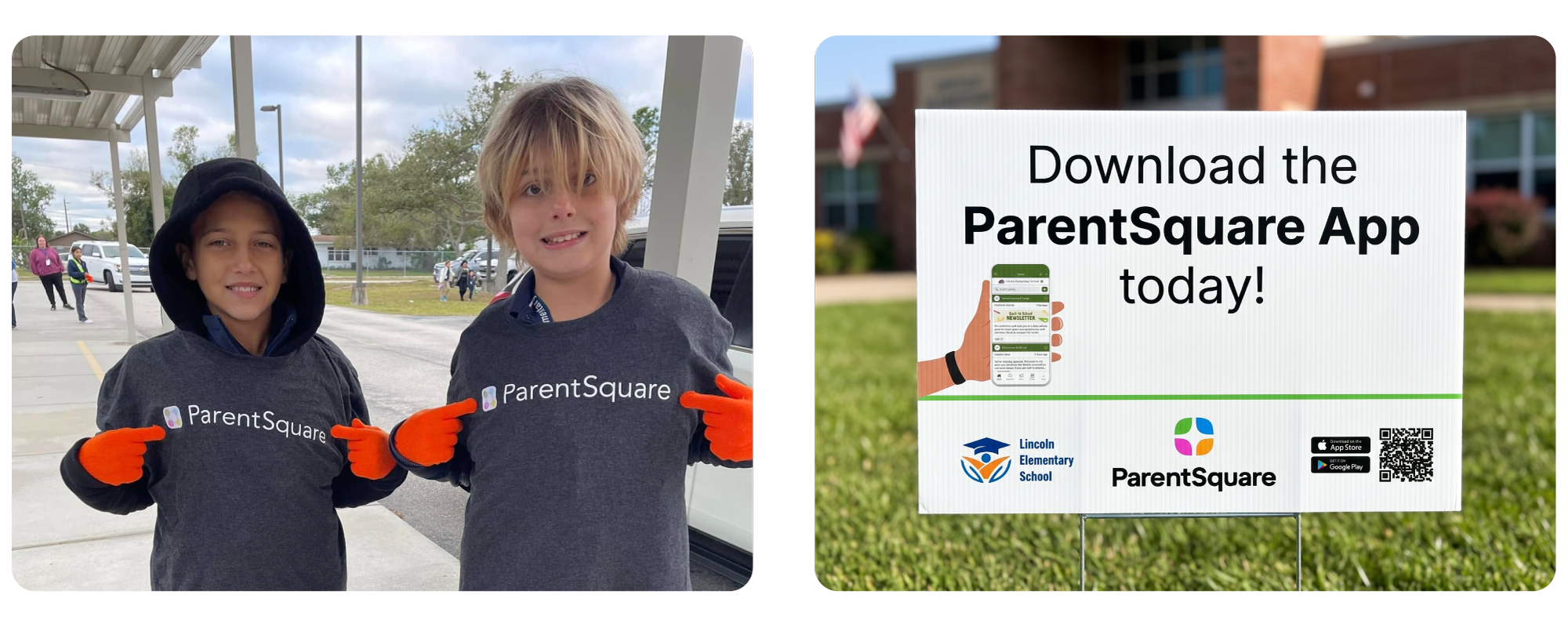
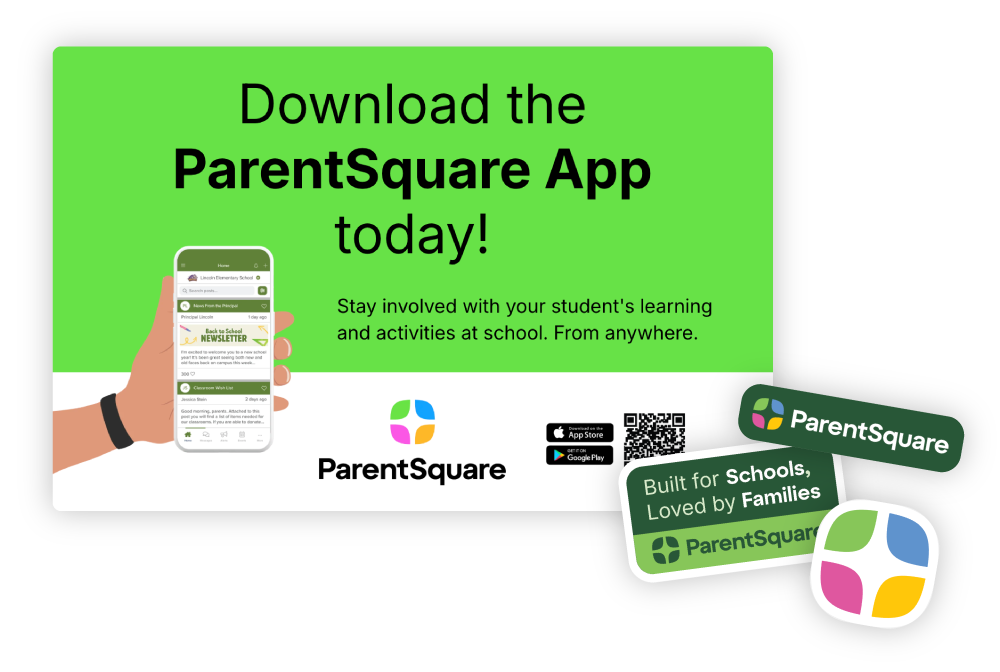
Several districts hand out ParentSquare stickers to parents who download the app at Back-to-School Night or during pick-up and drop-off, and some run school-to-school competitions to see which campus can reach the most families first. QR code posters from the Launch Kit make the download a ten-second task.
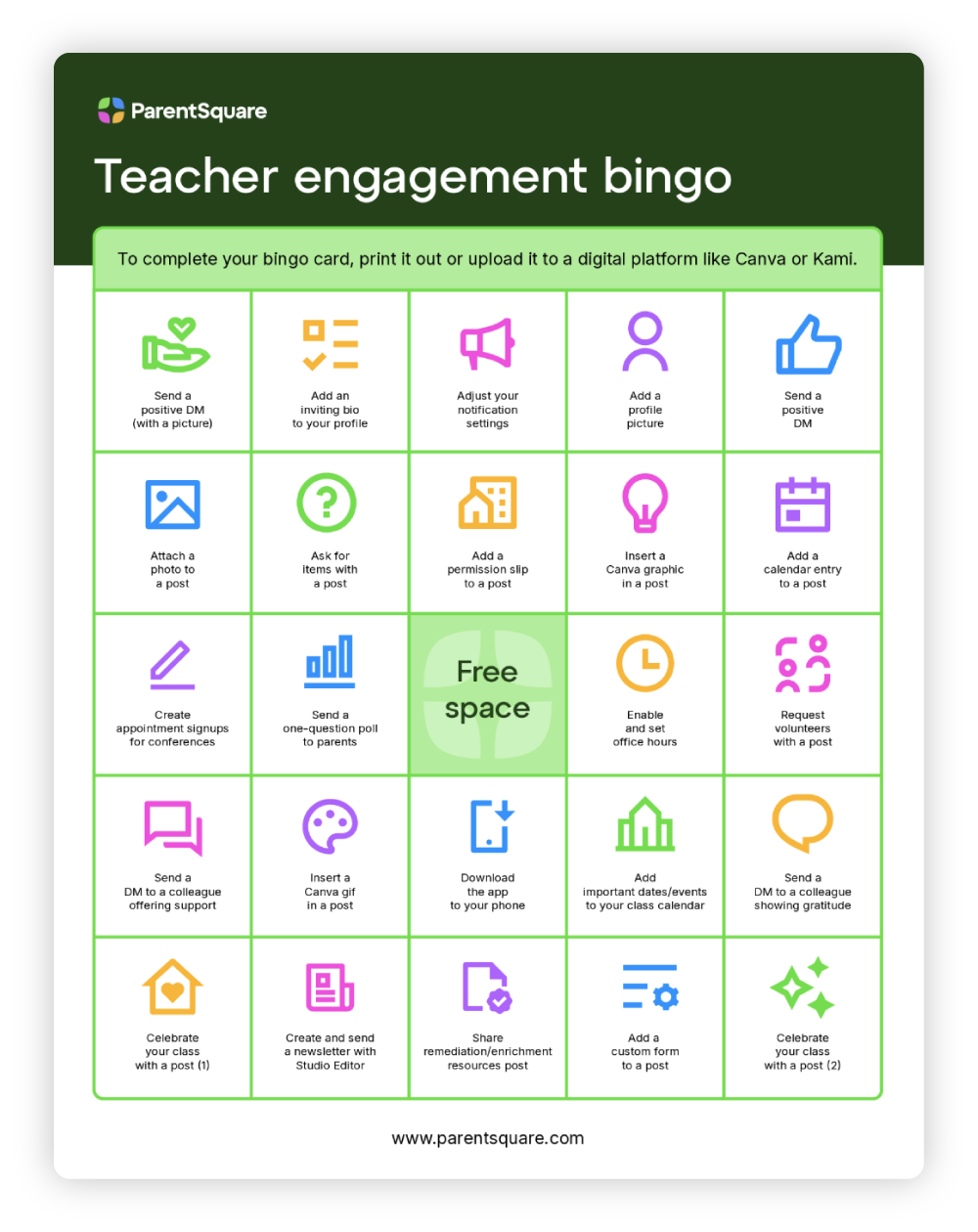
Families adopt what staff embrace. Districts keep internal momentum going with teacher bingo boards, feature-of-the-month raffles, and shout-outs for creative ParentSquare use. One favorite: spot your power users in staff activity data, name them site champions, and send a quick thank you note. Small recognition goes a long way.
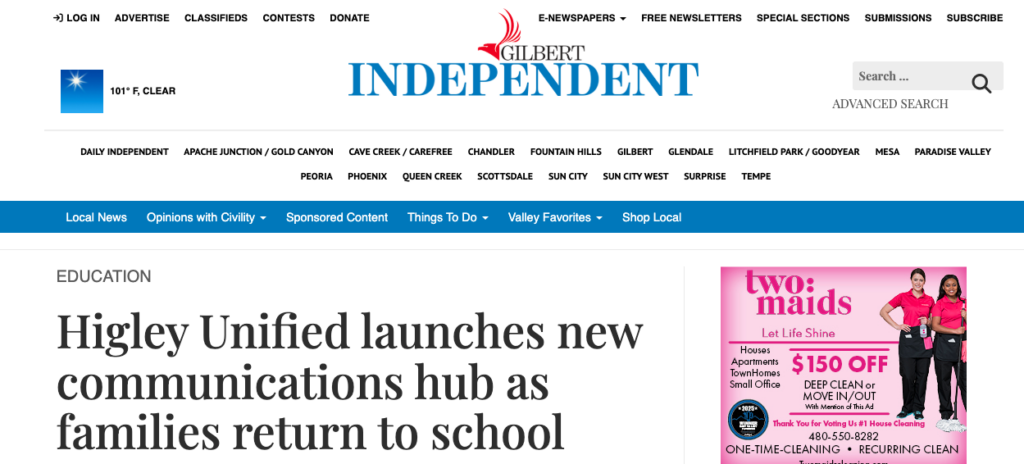
Reporters cover back-to-school logistics every year, and a change in how a district reaches families is exactly the kind of practical story they want.
The Gilbert Independent ran its story on Higley Unified School District the day students returned for the 2026-27 year, under the headline “Higley Unified launches new communications hub as families return to school.” District officials framed the news around the family problem rather than the product. The switch replaces the patchwork of apps, emails, and other platforms parents had been juggling, and it came from feedback families and employees gave the district.
A short note to your local media costs nothing, and it reaches families who may not have opened a district email.
Every idea on this list started with a district team asking how to reach one more family. The ParentSquare Launch Kit gives you a head start: sample announcements, getting started checklists, parent guides, flyers, videos, and customizable Canva templates for posters and yard signs. Plus, every asset now carries our refreshed brand, so if your team saved these files before this spring, it’s worth grabbing the new versions.
Pick two or three ideas, put your district’s spin on them, and make your launch a moment your community remembers.